

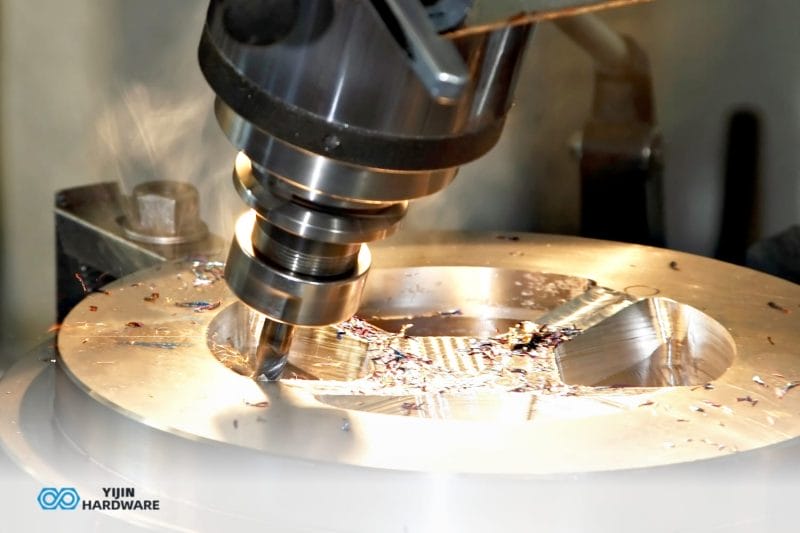

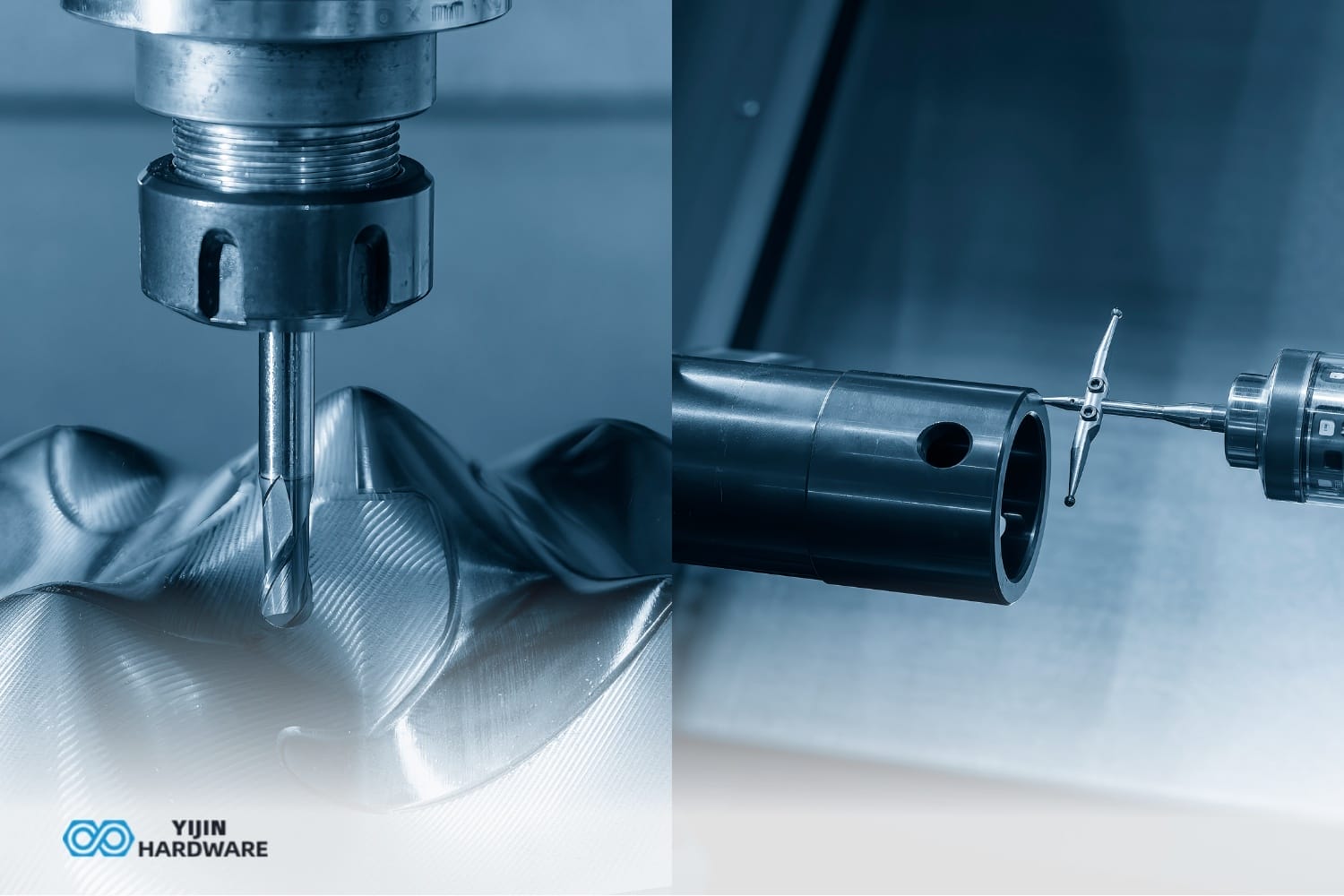
CNC mills and routers are distinct subtractive manufacturing machines with different axis motion patterns. When examining the key differences between CNC routers vs CNC mills, we find that routers have stationary workpieces with spindles that move in X, Y, and Z axes, while mills feature workpieces that move in X and Y axes with spindles that move in Z. This fundamental difference affects their applications and precision capabilities in the computer numerical control (CNC) manufacturing process.
Structurally, routers typically employ a gantry frame design over a stationary table, creating an open work area. Mills utilize a C-frame structure with a column and base, concentrating more mass in a smaller space for superior rigidity and vibration dampening. At Yijin Solution, we provide reliable, expert CNC milling China and CNC routing services, offering superior rigidity and precision with our advanced machinery.
Key Takeaways
- CNC mills offer superior precision (±0.0001″) and excel with metals, while routers provide larger work areas for wood and plastics.
- Mills use low-speed (3,000–10,000 RPM), high-torque spindles for cutting force, while routers use high-speed (18,000–24,000 RPM) for clean cuts.
- Routers cost significantly less ($15,000–$100,000) than mills ($15,000–$350,000) but have more limited material compatibility.
- Mills feature more robust tooling systems and can utilize up to 12 axes, while routers typically max out at 5 axes.
- The optimal choice depends on your materials, precision requirements, workpiece size, and budget constraints.
Machine Selection Guide for Your Manufacturing Needs
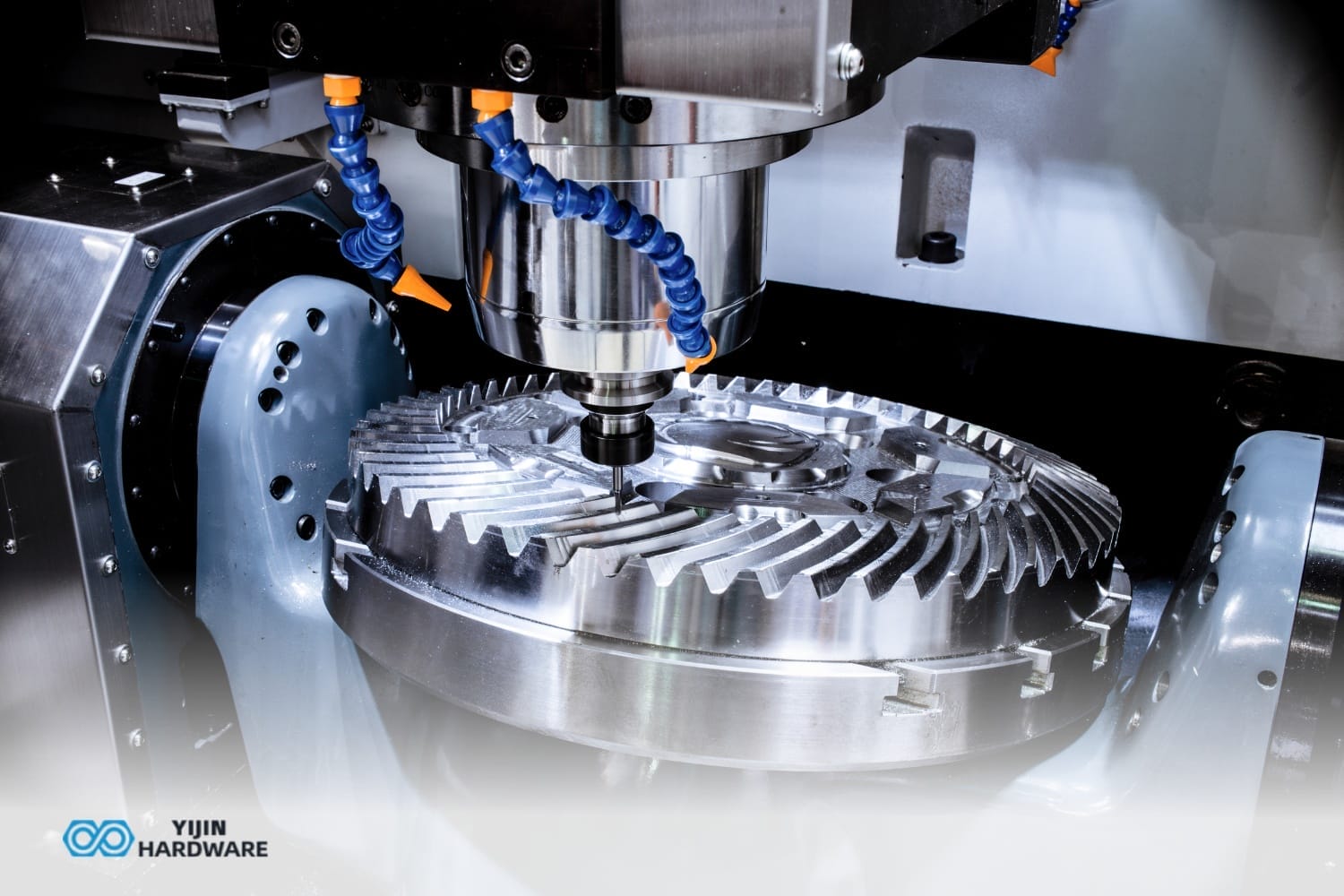
When choosing between CNC milling and routing services for your project, consider your maximum precision, versatility, and production volume needs, and more. This is a practical decision framework based on your specific requirements:
| If your priority is: | And you primarily work with: | Then your best choice is: |
|---|---|---|
| Maximum precision | Metals, complex parts | CNC Milling Service |
| Large format work | Wood, plastic sheets | CNC Routing Service |
| Versatility across materials | Mixed materials, prototyping | Hybrid Machining Service |
| High production volume | Wood components, cabinets | CNC Routing with automation |
| Complex 3D shapes in metal | Aerospace, medical parts | 5-Axis CNC Milling |
| Limited budget, basic needs | Signage, 2D components | Basic CNC Routing |
How do CNC Mills and Routers Compare in Terms of Rigidity and Precision?
CNC mills deliver superior rigidity and precision, achieving tolerances as tight as ±0.0001″ (0.0025 mm). This exceptional accuracy comes from their compact, rigid C-frame structure that minimizes vibration. Mills have less flex during machining, maintaining consistency even with harder materials. The differences between CNC machining vs. milling are important here — CNC milling operations typically offer higher accuracy for complex components.
Routers, with their gantry-style construction, offer moderate precision with tolerances of ±0.005″ (0.13 mm), sufficient for woodworking and plastic applications. Their extended bridge design introduces more potential for flex and vibration, especially at higher speeds. Routers are less rigid than mills, limiting their application in harder materials.
| Aspect | CNC Mill | CNC Router |
|---|---|---|
| Typical Tolerance | ±0.0001″ (0.0025 mm) | ±0.005″ (0.13 mm) |
| Frame Design | C-frame (column and base) | Gantry design |
| Rigidity | High (concentrated mass) | Moderate (extended bridge) |
| Best For | Complex, precise components | Larger parts with moderate precision |
Applications Where Precision Matters
Mills excel at creating precise components with complex geometries and tight tolerances, while routers are better suited for larger parts where absolute precision is less critical than overall size capability. The precision difference becomes particularly evident when machining complex parts with intricate features.
What Materials Can Each Machine Type Effectively Process?
CNC mills process a wide range of materials, including hardened steels, titanium, stainless steel, aluminum, bronze, plastics, and wood. Their robust construction and high-torque spindles enable them to remove material from tough substances, making them essential in aerospace and automotive manufacturing. Understanding CNC machining vs. CNC milling is important — CNC machining encompasses multiple processes, while milling specifically refers to using rotary cutting tools.
CNC routers excel with softer materials like wood, plastics, foams, and sometimes aluminum. They’re designed to cut these materials at high speeds rather than through force, making them ideal for sign making and furniture production. Routers struggle with harder metals due to insufficient rigidity. CNC routers work exceptionally well for woodworking applications where large sheet processing is required.
| Material Category | CNC Mill | CNC Router |
|---|---|---|
| Hard Metals (Steel, Titanium) | Excellent | Poor/Not Recommended |
| Soft Metals (Aluminum, Brass) | Excellent | Fair/Limited |
| Plastics | Good | Excellent |
| Wood/MDF | Good | Excellent |
| Large Sheet Materials | Limited | Excellent |
How do Work Envelope and Table Configuration Differ?
CNC routers provide expansive work areas designed for large sheet materials, with common table sizes of 4’×8′ or 5’×10′. The Tormach 24R CNC Router, for example, features a 2’×4′ envelope to process entire sheets without repositioning. This larger workspace is ideal for furniture components and signage. Most CNC routers and CNC mills differ fundamentally in how the workpiece is held during machining.
CNC mills feature more compact work envelopes, typically under 40″×20″, focusing on precision rather than size. Their smaller work area enables greater mass distribution and rigidity per cubic inch. Mills have a smaller footprint but greater mass, creating a more stable platform for precision machining.
| Aspect | CNC Mill | CNC Router |
|---|---|---|
| Typical Work Envelope | Under 40″×20″ | 4’×8′ or 5’×10′ |
| Design Priority | Concentrated precision | Accommodating sheet goods |
| Workpiece Holding | T-slots, precision vises | Vacuum systems, grid patterns |
| Table Movement | The table moves in X-Y | Table stationary |
What are the Speed and Power Characteristics of Each Machine?
CNC routers operate at higher spindle speeds, but deliver lower torque, relying on rotational speed rather than force. This approach enables rapid removal in softer materials and produces cleaner cuts in wood and plastics. When comparing CNC milling vs. CNC machining, speed characteristics represent one of the key operational differences, along with cutting force and torque.
| Characteristic | CNC Mill | CNC Router |
|---|---|---|
| Typical Spindle Speed | 3,000-10,000 RPM | 18,000-24,000 RPM |
| Torque Output | High | Moderate to Low |
| Motor Power | 15-50 HP (industrial) | 3-10 HP (comparable class) |
| Cutting Approach | Force-focused | Speed-focused |
| Performance in Hard Materials | Excellent | Poor |
How many Axes do Mills and Routers Typically Offer?
CNC mills provide extensive axis capabilities, from basic 3-axis to advanced 12-axis machining centers. Standard 3-axis mills perform most common operations, while 4 and 5-axis mills enable complex contouring, undercuts, and multi-sided machining without repositioning the workpiece. In CNC operations, each axis represents a direction of movement along the X, Y, and Z axes.
CNC routers typically offer 3-axis movement as standard, with some advanced models extending to 4 or 5 axes. The additional axes in routers usually come as rotary attachments or tilting heads for contoured surface cutting. However, multi-axis routing generally lacks the rigidity and precision of comparable mill configurations.
| Axis Configuration | CNC Mill Capabilities | CNC Router Capabilities |
|---|---|---|
| 3-Axis | Standard configuration for flat surfaces, pockets | Standard for 2D cutting, engraving |
| 4-Axis | Adds rotational capability for cylindrical work | Limited rotary attachments |
| 5-Axis | Complex aerospace parts, medical implants | Decorative carvings, artistic surfaces |
| Max Capability | Up to 12 axes in specialized centers | Generally maxes out at 5-axis |
Which Industries and Applications Best Suit Each Machine Type?
CNC mills excel in sectors requiring precision components from tough materials, including aerospace (turbine components), automotive (engine blocks), medical (implants, instruments), and toolmaking (molds, dies). These applications need the mill’s accuracy and material compatibility. The CNC mill can perform complex operations requiring intricate and precise cuts on tougher materials.

CNC routers dominate in woodworking (cabinetry, furniture), signage, architectural millwork, and foam/plastic fabrication. Their large work envelope and high-speed operation suit industries processing sheet goods and softer materials. A typical CNC router is used for softer materials, where speed and work area are prioritized over precision.
Industry-Specific Applications
- For CNC Mills: Aerospace components, automotive parts, medical instruments, tooling, die making, precision mechanical components.
- For CNC Routers: Cabinet making, furniture production, sign manufacturing, foam packaging, architectural elements.
What are the Tooling Differences Between Mills and Routers?
CNC mills utilize robust tooling systems including SK (ISO), CAT, BT, or HSK standardized toolholders with substantial retention force. These precision-ground systems maintain tight tolerances and withstand lateral forces during cutting. Mills typically use end mills with 2–8 flutes, boring heads, and face mills designed specifically for metal removal. The CNC milling machine requires these specialized tools for harder materials.
CNC routers employ simpler tooling setups, often using collet systems with router bits designed for wood and plastic cutting. These tools typically have fewer flutes (1-2) with larger chip clearance spaces optimized for high-volume removal in softer substances. Router bits are designed for high-speed operation rather than force application, working with the high rotational speed to cut softer materials like wood effectively.
| Tooling Aspect | CNC Mill | CNC Router |
|---|---|---|
| Standard Toolholding | SK (ISO), CAT, BT, or HSK | Collet systems (ER, TG) |
| Retention Force | High | Moderate |
| Common Cutting Tools | End mills, boring heads, face mills | Router bits, V-bits, compression bits |
| Tool Changer Capacity | 20-60+ positions (high-end) | 5–12 positions (if available) |
How do the Costs of Mills and Routers Compare?
CNC mills represent a higher initial investment, with industrial-quality machines typically ranging from $15,000 to $350,000, depending on capabilities. This higher cost reflects their robust construction and advanced features. A Bridgeport-type CNC vertical knee mill starts around $13,000, while advanced 5-axis machining centers can exceed $350,000.
CNC routers offer more accessible entry points, with hobbyist models available from a few hundred dollars and industrial versions typically ranging from $15,000 to $100,000. Desktop CNC routers suitable for prototyping and small-scale production can be acquired for $1,000-$5,000. You can purchase a CNC router for a few hundred dollars at the entry level, while comparable quality mills start much higher.
| Cost Factor | CNC Mill | CNC Router |
|---|---|---|
| Entry-Level | $13,000+ (Bridgeport-type) | $500+ (hobbyist) |
| Mid-Range | $30,000-$100,000 | $15,000-$50,000 |
| High-End | $100,000-$350,000+ | $50,000-$100,000 |
| Operational Costs | Higher (tooling, energy, maintenance) | Lower |
For businesses seeking CNC machining services, understanding these cost differences helps explain pricing variations between milling and routing services.
What are the Software and Programming Requirements?
CNC mills typically require more advanced CAM (Computer-Aided Manufacturing) software with sophisticated toolpath strategies for efficient metal removal. These programs offer features like adaptive clearing and specialized toolpaths for complex geometries. The differences between CNC machining vs. milling are reflected in their software requirements.
CNC routers generally use more accessible software with graphical interfaces designed for woodworking applications. These programs emphasize ease of use with simplified tool selection. Router programming typically focuses on profile cutting, pocket clearing, and artistic surface treatments. CNC routers are usually programmed with specialized toolpaths for engraving wood and cutting softer materials.
| Software Aspect | CNC Mill CAM | CNC Router CAM |
|---|---|---|
| Complexity | Higher, with material-specific strategies | Lower, with simplified cutting approaches |
| Toolpath Types | Adaptive clearing, high-speed machining | Profile cutting, pocketing, and engraving |
| Learning Curve | Steeper, requires more technical knowledge | More accessible, often more graphical |
| Cost | Often higher ($2,000-$15,000+) | More affordable ($500-$5,000) |
What are the Practical Advantages of Having Both Machine Types?
Having both a CNC mill and router in your facility creates powerful synergies that overcome the limitations of either machine independently, such as expanded material processing capabilities and workflow optimization. This complementary approach enables complete manufacturing capabilities spanning from large-format panel processing to precision component fabrication. For example, architectural firms can produce both decorative panels on routers and precision metal hardware on mills.
The manufacturing flexibility provided by having both machines allows businesses to accept a wider range of projects and bring more production in-house. A furniture manufacturer with both machines can produce not only wooden components on a router but also create custom metal fittings, jigs, and fixtures on a mill. This versatility reduces dependence on outside vendors and shortens production timelines.
How do you Choose Between a Mill and a Router for Your Specific Needs?
Selecting between a CNC mill and router requires a thorough analysis of your primary applications, materials, precision requirements, and budget constraints. For predominantly metal-focused work requiring tight tolerances, a CNC mill represents the optimal investment, despite its higher cost. Industries like aerospace, automotive, and medical device manufacturing almost exclusively require mills.
For businesses primarily processing wood, plastic, and sheet materials where speed and work area take priority over extreme precision, a CNC router offers the most cost-effective solution. Sign makers, cabinet shops, and panel processors generally find that routers meet their needs more efficiently than mills would.
Critical Decision Factors
| Decision Factor | Choose Mill If: | Choose Router If: |
|---|---|---|
| Primary Material | Metals, especially steel, titanium | Wood, plastic, foam, sheet goods |
| Precision Needs | Tolerances under ±0.001″ required | Tolerances of ±0.005″ acceptable |
| Workpiece Size | Smaller, complex parts | Large panels or sheet goods |
| Budget Range | $15,000+ available | Limited budget under $15,000 |
| Production Volume | Lower volume, higher precision | Higher volume of similar parts |
| Multi-sided Machining | Complex geometries on multiple faces | Primarily 2D or 2.5D work |
| Industry Standards | Aerospace, medical, automotive | Woodworking, signage, and displays |
Environmental and Workspace Considerations
CNC routers use dust extraction systems, as they generate fine particles when cutting wood and plastic. They operate at higher decibel levels (85-95 dB) as the cutting tool moves across the material at high speeds. CNC mills operate in wetter environments with lower-frequency noise (75-85 dB) and produce metal chips that require different containment.
- Debris management: Vacuum systems for routers; chip conveyors for mills
- Noise profile: Higher frequency from routers; lower from mills
- Safety priorities: Respiratory protection for routers; eye protection for mills
- Floor requirements: Mills often need reinforced foundations
Future Trends in CNC Machining Technology
Modern CNC mills operate with increasingly multitasking capabilities, combining various manufacturing processes on a single platform. Meanwhile, routers are developing faster processing speeds and automated material handling. When choosing between a CNC mill or CNC router, consider how these evolving technologies might affect your long-term needs.
Industry 4.0 connectivity is revolutionizing both types of CNC machinery. Features include AI-driven cutting parameters, real-time tool monitoring, and energy optimization. Materials used to cut are expanding as well, with specialized tooling developed for both traditional and composite materials. These advances create smarter machining processes using rotational speed and cutting force more efficiently than ever before.
According to Straits Research, the global CNC milling machines market size is expected to grow to $172.31 billion by 2032!
As a leading provider of precision CNC machining services, Yijin Solution offers both advanced CNC milling and routing capabilities to meet diverse client needs. Our specialized team can help determine which machining approach will deliver optimal results for your specific project requirements.
We provide an expert consultation and offer comprehensive capabilities across metals, plastics, and woods. You can rely on our rigorous inspection as powerful quality assurance, along with knowledgeable technical assistance throughout your project.
Contact us for all your CNC machining needs!
CNC Mill Vs Router FAQs
CNC machining vs. CNC milling: What’s the difference?
Computer numerical control (CNC) machining is a broad manufacturing process that includes milling, turning, and drilling. CNC mills are built to remove material using cutting tools that move along X, Y, and Z axes. CNC routing is typically used for softer materials, while milling is better for metals. The choice between a CNC mill and a CNC router depends on precision and material hardness.
When it comes to CNC machining vs. milling, which is better?
CNC machining includes multiple processes, making it more versatile than just CNC milling. A CNC mill can perform complex cuts at higher rotational speeds, which is ideal for detailed metalwork. In contrast, CNC routers and CNC mills differ in that routers handle wood, plastic, and soft materials efficiently. If you need basic work, you can choose a CNC router instead of an expensive mill.
What are the disadvantages of a CNC milling machine?
CNC mills are expensive, unlike a router, which you can pick up for a few hundred dollars. They also require specialized router bits and tooling, adding to operational costs. Milling machines also have slower cycle times compared to CNC machining services like laser cutting. Despite their precision, they lack the speed and flexibility of a dedicated router.
Back to Top: CNC Milling Machine vs. CNC Router | Key Comparisons